Getting Started with AI Image Generation: A Beginner's Guide
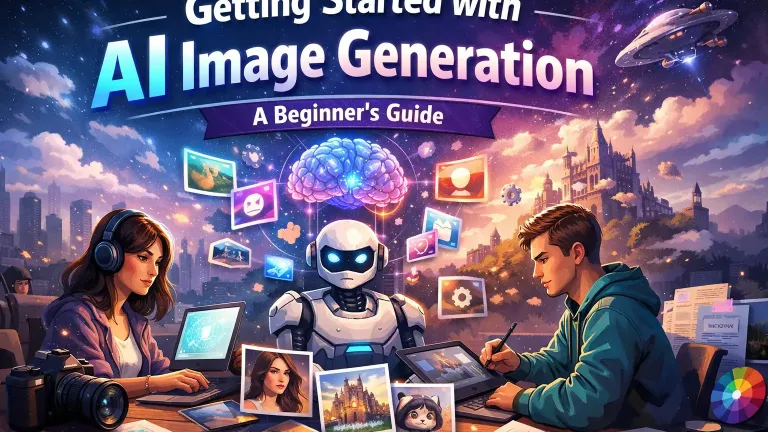
Introduction to the AI Art Revolution
The world of digital art has undergone a seismic shift with the advent of AI image generation. Tools that were once the stuff of science fiction are now accessible to anyone with an internet connection. Whether you're a graphic designer looking to speed up your workflow, a hobbyist exploring new creative avenues, or a business owner seeking unique branding assets, AI image generation offers limitless possibilities.
In this comprehensive guide, we will walk you through the basics of how these generative models work, compare the most popular tools available today, and provide you with a step-by-step framework to creating your first AI masterpiece.
Understanding the Technology: How It Works
At the heart of AI image generation lies a technology called Diffusion Models. Unlike traditional drawing software where you place pixels on a canvas, diffusion models work by reversing a process of adding noise to an image.
- Training Phase: The AI is trained on billions of image-text pairs. It learns to associate specific words with visual concepts (e.g., "sunset," "cat," "impressionist style").
- Generation Phase: When you provide a text prompt, the AI starts with a canvas of pure random noise (like television static). It then iteratively refines this noise, guided by your text description, removing the static step-by-step until a coherent image emerges.
This process allows for an infinite variety of outputs, as the random noise starting point ensures that no two generated images are ever exactly the same.
Choosing Your Tool: Midjourney vs. DALL-E 3 vs. Stable Diffusion
Before you start, you need to choose the right platform. Here is a breakdown of the "Big Three":
1. Midjourney
Widely considered the leader in artistic quality, Midjourney operates through a Discord server. It excels at creating visually stunning, painterly, and highly detailed images with very little effort.
- Pros: Best out-of-the-box aesthetics, strong community.
- Cons: Requires a monthly subscription, interface via Discord can be chaotic.
2. DALL-E 3 (via ChatGPT)
Created by OpenAI, DALL-E 3 is integrated into ChatGPT. It is the best tool for understanding complex instructions and rendering accurate text within images.
- Pros: Incredible prompt adherence, conversational interface, creates text well.
- Cons: Less control over artistic style compared to Midjourney.
3. Stable Diffusion
The open-source champion. Stable Diffusion can be run locally on your own computer (if you have a powerful graphics card) or via various cloud platforms.
- Pros: Free (local), infinite customizability with plugins (ControlNet, LoRAs), privacy.
- Cons: Steep learning curve, requires hardware resources.
Your First Workflow: Writing Effective Prompts
Prompt engineering is the art of communicating with the AI. A good prompt generally follows this structure:
[Subject] + [Action/Context] + [Art Style] + [Lighting/Color] + [Parameters]
Step-by-Step Example:
- Subject: "A futuristic cyberpunk city."
- Detail: "...with neon lights reflecting on wet pavement, towering skyscrapers connected by skybridges."
- Style: "...in the style of Blade Runner, cinematic composition, hyper-realistic."
- Technical: "...8k resolution, Unreal Engine 5 render, volumetric lighting."
Final Prompt:"A futuristic cyberpunk city with neon lights reflecting on wet pavement, towering skyscrapers connected by skybridges, in the style of Blade Runner, cinematic composition, hyper-realistic, 8k resolution, Unreal Engine 5 render, volumetric lighting."
Common Mistakes to Avoid
- Being too vague: "A dog" will give you a generic dog. "A golden retriever puppy running through a field of lavender at sunset" gives you art.
- Overloading the prompt: "Keywords soup" (stuffing random words) is less effective in modern models like DALL-E 3. Focus on natural language descriptions.
- Ignoring Aspect Ratio: Most models default to squares. Ensure you specify the aspect ratio (e.g., --ar 16:9 for widescreen) to frame your subject correctly.
Conclusion
AI image generation is a skill that rewards experimentation. Do not be afraid to try different styles, mix conflicting concepts, and iterate on your prompts. The only limit is your imagination. Welcome to the future of creativity.
Did you find this helpful?
Show your support! Your feedback helps us create more amazing content.