Mastering Lighting in AI Prompts: Complete Visual Guide
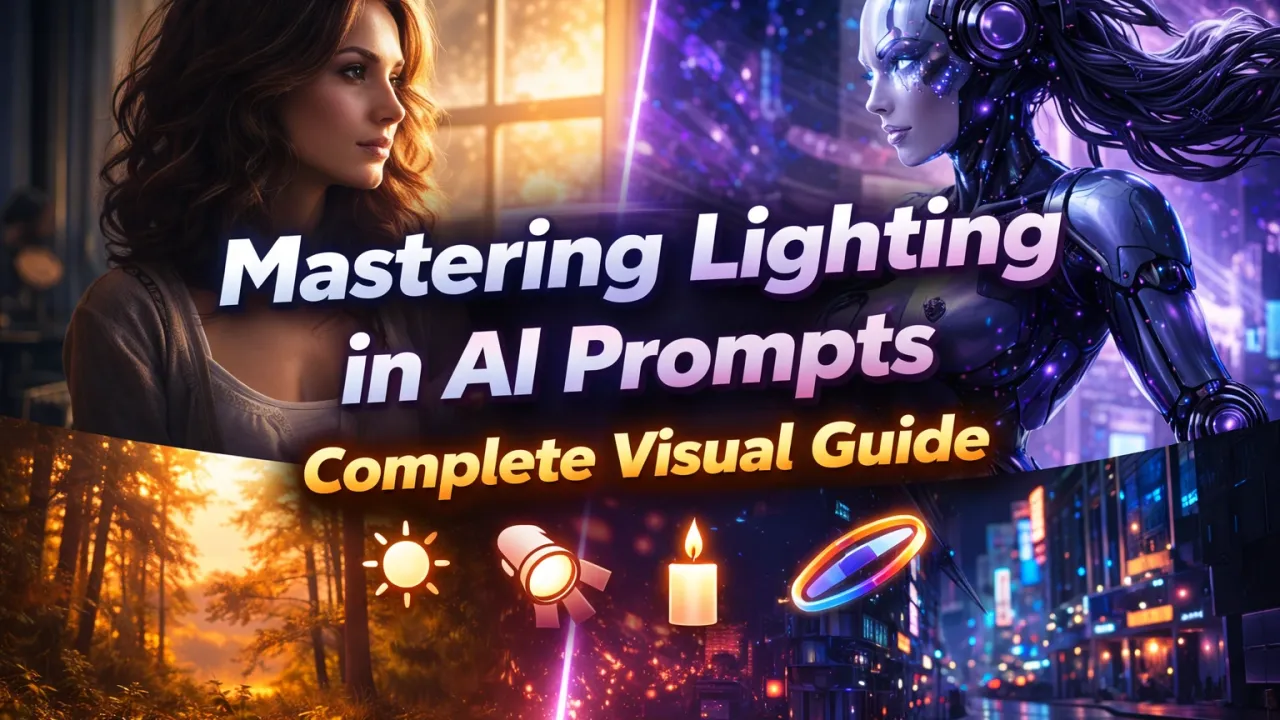
Lighting is one of the most powerful yet misunderstood elements in AI image generation. While many creators focus on subjects, styles, or camera angles, lighting is often the secret ingredient that separates average AI images from breathtaking visuals.
In this comprehensive visual guide, you’ll learn how to master lighting in AI prompts, understand different lighting styles, use the right keywords, and control mood, realism, and cinematic quality in AI-generated images.
Why Lighting Matters in AI Image Generation
Lighting defines how an image feels. It shapes depth, emotion, realism, and focus. In AI-generated images, lighting tells the model how to interpret shadows, highlights, contrast, and atmosphere.
Without proper lighting instructions, AI models often produce flat, dull, or unrealistic images. With the right lighting prompts, however, the same AI model can generate:
- Photorealistic portraits
- Cinematic scenes
- Moody artistic compositions
- Professional studio-quality visuals
How AI Understands Lighting in Prompts
AI image models do not “see” light like humans. Instead, they interpret lighting based on:
- Keywords and phrases
- Associations learned from training data
- Context provided by surrounding prompt elements
For example, phrases like “soft natural light”, “dramatic shadows”, or “golden hour lighting” activate visual patterns the AI has learned from millions of images.
The more specific and descriptive your lighting instructions are, the more predictable and refined your results will be.
Core Lighting Elements You Must Control
1. Light Source
The light source defines where the light is coming from and what type it is.
- Sunlight
- Studio lights
- Neon lights
- Candlelight
- LED lighting
Example prompt phrase:
“soft sunlight coming from the left side”
2. Light Direction
Direction controls shadows and depth. Common directions include:
- Front lighting
- Side lighting
- Backlighting
- Top-down lighting
Example:
“side-lit portrait with strong contrast”
3. Light Intensity
Intensity determines how bright or dark the scene appears.
- Soft light
- Harsh light
- Low-key lighting
- High-key lighting
Most Popular Lighting Styles in AI Prompts
Soft Natural Lighting
Soft natural lighting creates realistic, clean, and pleasant visuals. It is ideal for portraits, lifestyle images, and editorial photography.
Prompt keywords:
- soft natural light
- diffused daylight
- window light
Dramatic Lighting
Dramatic lighting emphasizes contrast, shadows, and emotional intensity. It is commonly used for cinematic scenes, fantasy art, and powerful portraits.
Prompt keywords:
- dramatic lighting
- high contrast
- deep shadows
Golden Hour Lighting
Golden hour lighting adds warmth and softness, typically used in outdoor scenes.
Prompt keywords:
- golden hour light
- warm sunset glow
- soft orange highlights
Studio Lighting
Studio lighting is controlled, professional, and polished. It works best for product shots and corporate portraits.
Prompt keywords:
- professional studio lighting
- three-point lighting
- softbox lighting
Low-Key Lighting
Low-key lighting creates dark, moody visuals with minimal highlights.
Prompt keywords:
- low-key lighting
- dark atmosphere
- minimal illumination
Lighting Keywords That Improve AI Image Quality
Using the right keywords can drastically improve output quality.
High-Impact Lighting Keywords
- cinematic lighting
- volumetric lighting
- rim lighting
- ambient lighting
- soft shadows
Advanced Lighting Modifiers
- global illumination
- ray-traced lighting
- HDR lighting
- photorealistic lighting
Prompt Examples: Before and After Lighting Control
Basic Prompt (Without Lighting)
A woman standing in a modern office
Improved Prompt (With Lighting)
A professional woman standing in a modern office, soft natural window light, gentle shadows, realistic skin tones, cinematic depth
The difference in output quality is dramatic when lighting is included.
Common Lighting Mistakes in AI Prompts
- Using too many conflicting lighting styles
- Being too vague (e.g., “nice lighting”)
- Ignoring shadows and contrast
- Overusing buzzwords without context
Clarity and simplicity often produce better results than overly complex prompts.
How Lighting Affects Mood and Emotion
Lighting directly influences how viewers feel about an image.
| Lighting Type | Emotional Impact |
|---|---|
| Soft light | Calm, friendly, realistic |
| Dramatic lighting | Intense, powerful, cinematic |
| Low-key lighting | Mysterious, dark, emotional |
| High-key lighting | Bright, clean, positive |
Lighting for Different AI Image Use Cases
Portraits
- Soft natural lighting
- Studio lighting
- Rim lighting for separation
Product Images
- Clean studio lighting
- High-key lighting
- Even illumination
Fantasy and Concept Art
- Dramatic lighting
- Volumetric light
- Backlighting
SEO Tips for AI Lighting Content Creators
If you publish AI prompt content, lighting-based guides are excellent for SEO.
- Use lighting keywords naturally
- Add before/after images
- Create visual comparisons
- Answer beginner questions clearly
Long-form educational content like this performs well in search engines.
Future of Lighting Control in AI Prompts
As AI models evolve, lighting control will become even more precise. Future improvements may include:
- Real-time lighting adjustments
- Physical light simulation
- Interactive lighting sliders
Mastering lighting now gives creators a long-term advantage.
Final Thoughts: Mastering Lighting in AI Prompts
Lighting is not optional — it is essential.
By understanding light sources, intensity, direction, and mood, you can dramatically improve the quality of your AI-generated images. Whether you are a designer, marketer, or AI art enthusiast, mastering lighting in AI prompts will elevate your results from ordinary to professional.
Start experimenting with lighting today, and you’ll immediately see the difference in your AI visuals.
Did you find this helpful?
Show your support! Your feedback helps us create more amazing content.