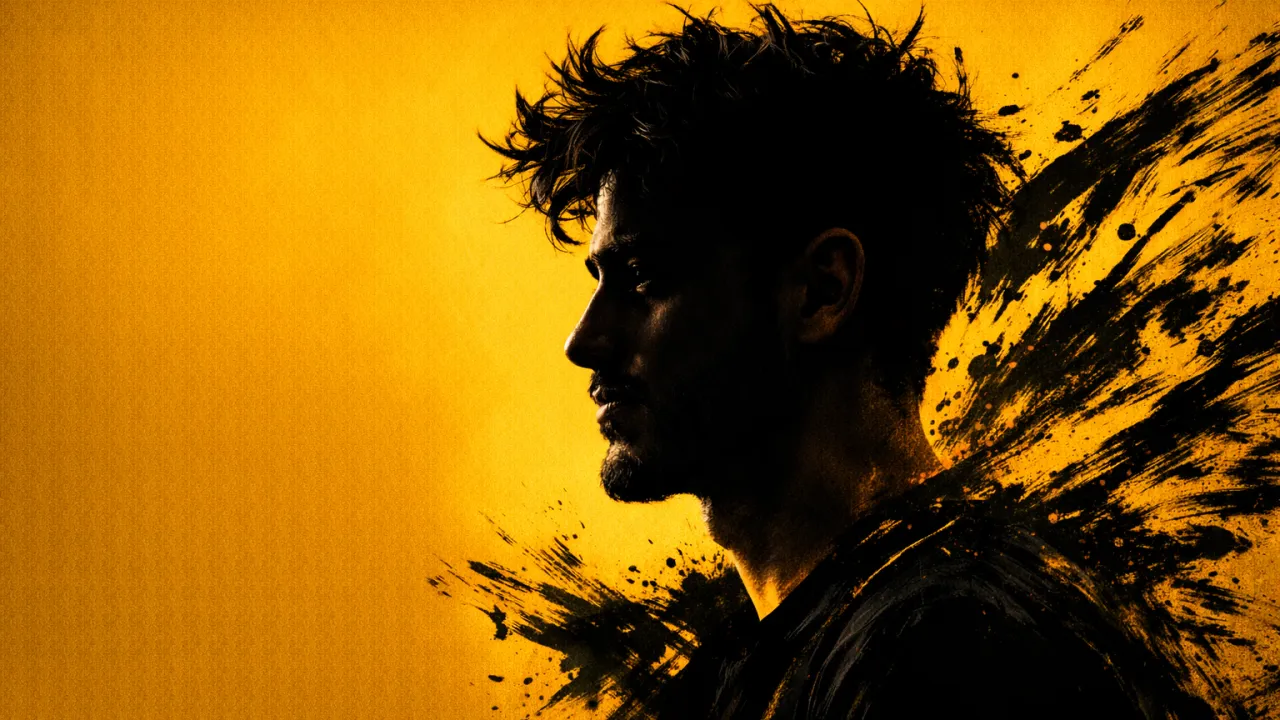
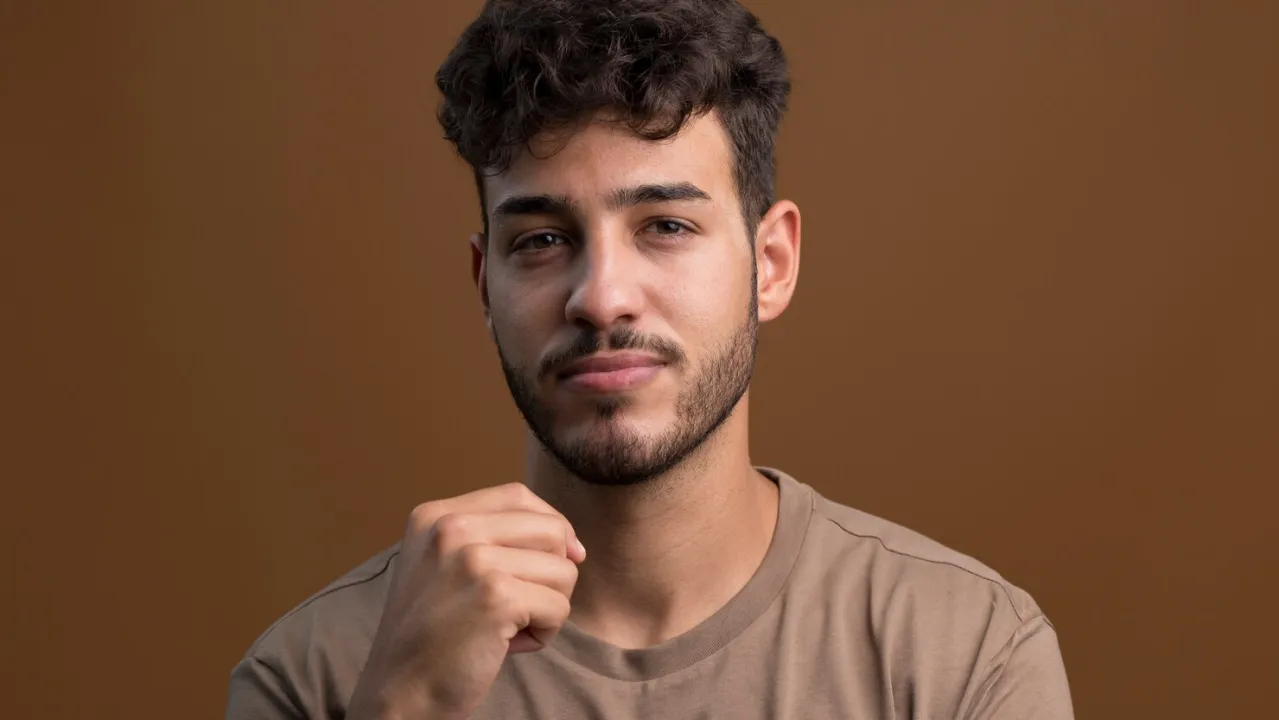
Ultra Realistic AI Portrait Prompts
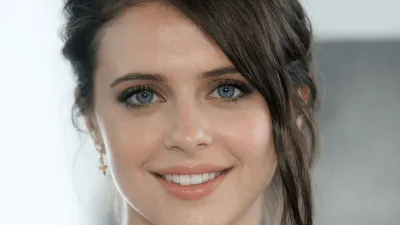
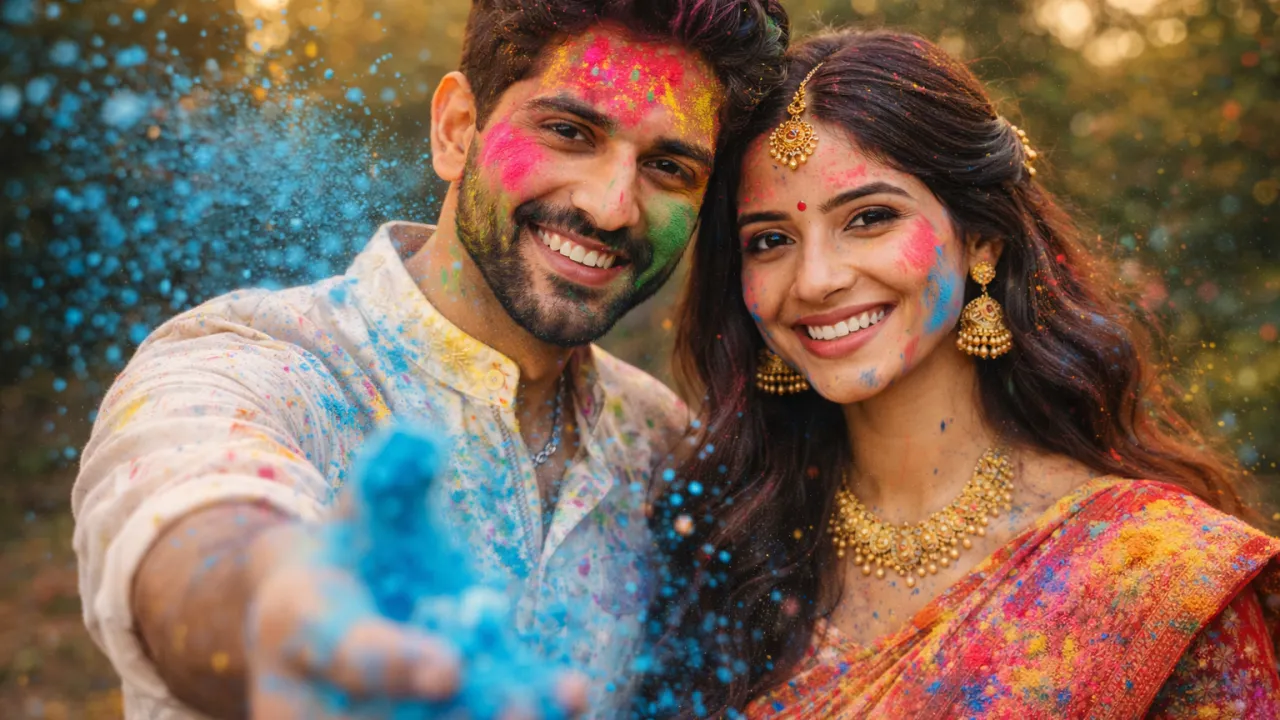
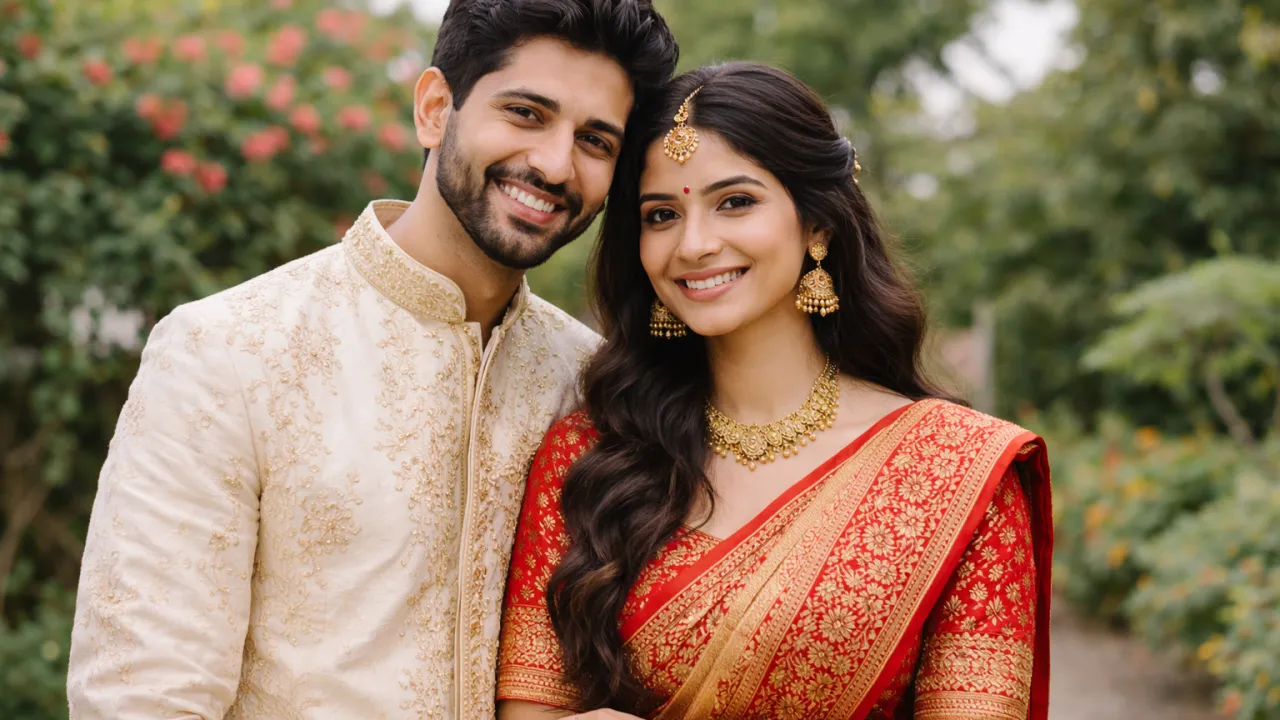
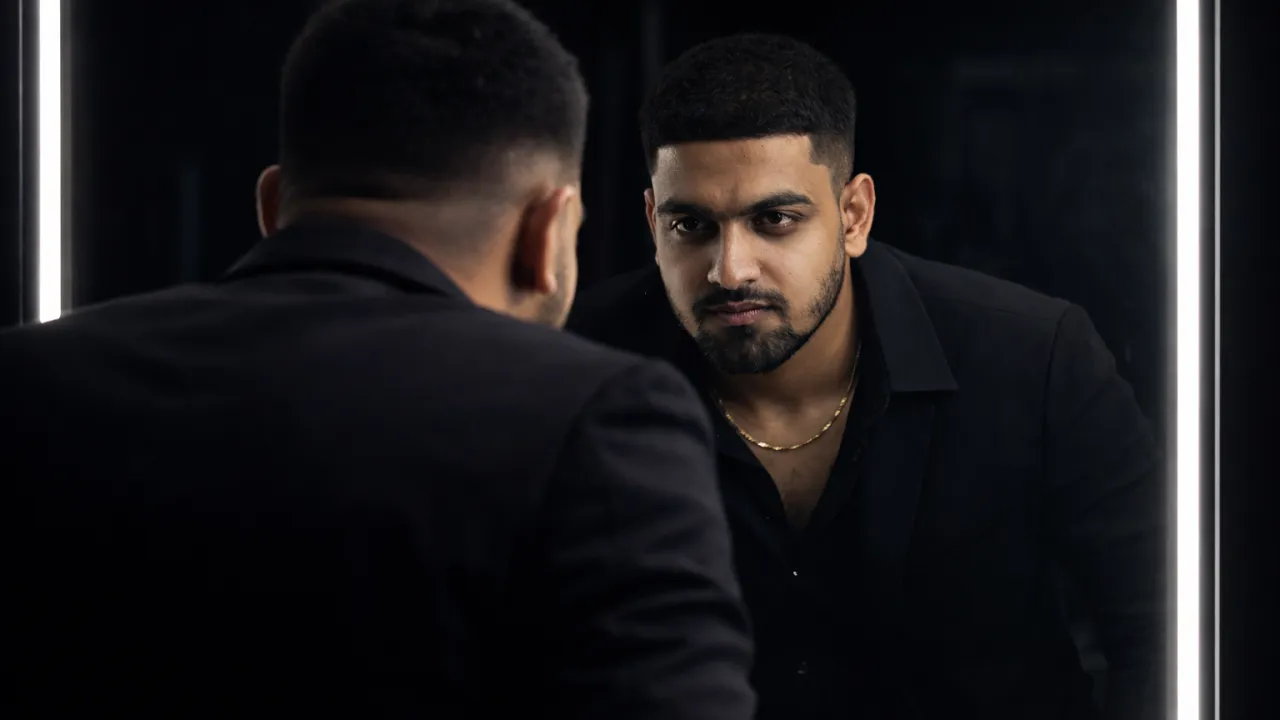
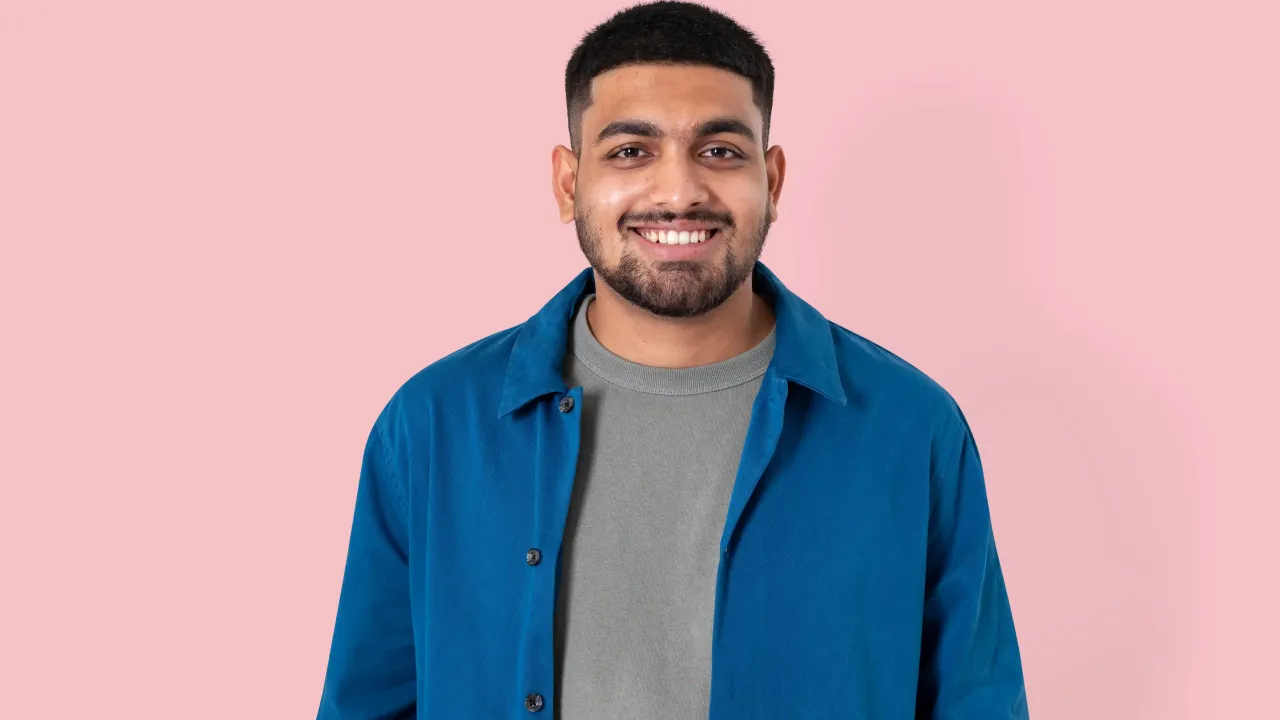
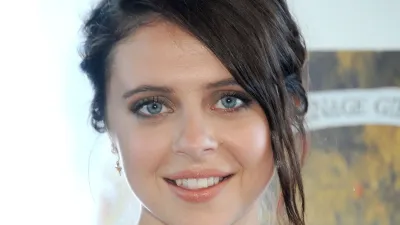 BeforeAfter
The Prompt
Ultra-realistic cinematic portrait of a human face, professional DSLR photography, 85mm portrait lens, full-frame camera, natural flawless skin texture with visible pores and micro details, realistic facial anatomy and proportions, soft natural daylight lighting, evenly diffused light with gentle shadows, ultra-sharp focus, shallow depth of field, blurred background, cinematic color grading, high dynamic range (HDR), true-to-life skin tones, realistic eye reflections, modern clean minimal background, photorealistic detail, 4K ultra-HD quality

Ultra realistic AI portrait prompts have completely transformed the way creators, designers, marketers, and photographers generate professional-quality human portraits without using a physical camera. With advancements in artificial intelligence image generation, it is now possible to create studio-level portraits that feature natural skin textures, accurate facial anatomy, cinematic lighting, and DSLR-style depth of field.
In this comprehensive guide, you will learn everything about ultra realistic AI portrait prompts, including how they work, why they matter, and how to craft prompts that generate lifelike images suitable for professional, commercial, and creative use. This article is designed to help beginners as well as advanced users achieve photorealistic results using AI tools.
What Are Ultra Realistic AI Portrait Prompts?
Ultra realistic AI portrait prompts are detailed text instructions given to AI image generation tools to create portraits that closely resemble real human photography. These prompts guide the AI on lighting, camera lens simulation, facial expressions, skin texture, color grading, and background composition.
Unlike basic AI prompts that generate cartoon-like or artificial-looking faces, ultra realistic prompts focus on fine details such as pores, micro skin imperfections, natural hair flow, and subtle facial asymmetry. The goal is to produce images that are almost indistinguishable from professional DSLR photographs.
Why Ultra Realistic AI Portraits Are in High Demand
The demand for ultra realistic AI portraits is increasing rapidly due to their versatility and cost efficiency. Businesses and individuals no longer need expensive photoshoots, studios, or professional photographers to create high-quality portraits.
- Perfect for LinkedIn, resumes, and professional profiles
- Ideal for marketing campaigns and advertisements
- Useful for content creators, influencers, and bloggers
- Great for branding, thumbnails, and website visuals
AI-generated portraits also allow unlimited experimentation with lighting, angles, and expressions without additional cost.
Key Elements of an Ultra Realistic AI Portrait Prompt
To generate realistic AI portraits, your prompt must include several essential elements. Missing even one of these can result in artificial or low-quality outputs.
1. Camera and Lens Details
Specifying camera type and lens adds realism. Popular choices include DSLR photography, 85mm portrait lens, or full-frame camera simulation.
2. Lighting Description
Lighting defines realism. Use terms like soft natural daylight, studio softbox lighting, rim lighting, or cinematic shadows.
3. Skin Texture and Facial Detail
Always mention natural skin texture, visible pores, fine lines, and realistic facial anatomy to avoid plastic-looking faces.
4. Depth of Field
Shallow depth of field with blurred background enhances realism and mimics professional photography.
5. Color Grading and Resolution
High dynamic range (HDR), cinematic color grading, and 4K resolution produce premium-quality results.
Best Ultra Realistic AI Portrait Prompt Examples
Below are some highly effective ultra realistic AI portrait prompts you can use or customize:
Prompt Example 1
Ultra-realistic cinematic portrait of a human face, professional DSLR photography, natural flawless skin texture with visible pores, soft daylight lighting, ultra-sharp focus, shallow depth of field, 85mm portrait lens, realistic facial proportions, neutral background, cinematic color grading, 4K resolution.
Prompt Example 2
Photorealistic headshot of a young professional, studio lighting with soft shadows, natural skin imperfections, realistic hair detail, high dynamic range, sharp focus, clean background, professional photography style.
Prompt Example 3
Ultra-detailed close-up portrait, natural expression, realistic eyes and skin texture, DSLR camera quality, cinematic lighting, shallow depth, professional color correction.
How to Improve Realism in AI Portraits
Even with good prompts, small improvements can significantly enhance realism.
- Avoid words like "perfect" or "plastic"
- Include slight imperfections
- Use realistic expressions instead of exaggerated poses
- Limit excessive effects or filters
Combining technical photography terms with natural human features yields the best results.
Common Mistakes to Avoid
Many users fail to achieve realism due to common mistakes:
- Using vague prompts
- Overloading too many styles
- Ignoring lighting details
- Forgetting resolution and camera depth
Clear, focused prompts always outperform long but confusing ones.
Use Cases of Ultra Realistic AI Portraits
Ultra realistic AI portraits can be used across various industries:
- Professional profile photos
- Corporate branding
- Marketing visuals
- Blog featured images
- Advertising creatives
Future of AI Portrait Photography
As AI technology continues to improve, ultra realistic portraits will become even more indistinguishable from real photography. Advanced lighting simulation, improved facial anatomy, and emotion mapping will redefine digital portrait creation.
For content creators and businesses, mastering AI portrait prompts today offers a significant competitive advantage.
Frequently Asked Questions (FAQs) about Ultra Realistic AI Portrait Prompts
Did you find this helpful?
Show your support! Your feedback helps us create more amazing content.