Ultra-Realistic Cinematic Street Portrait AI Prompt
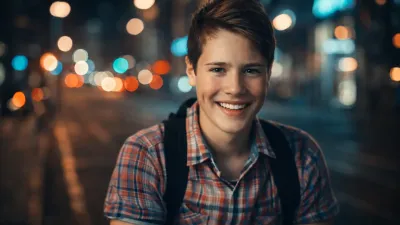
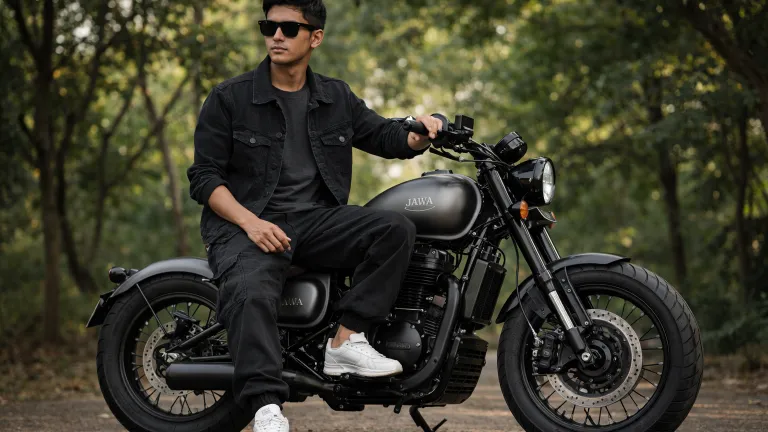
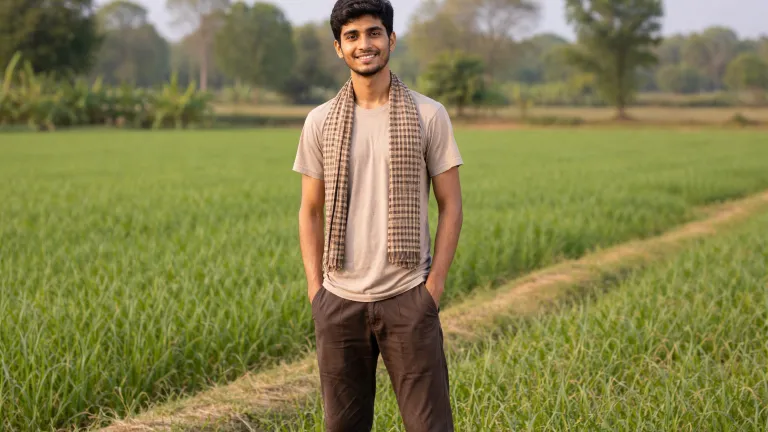
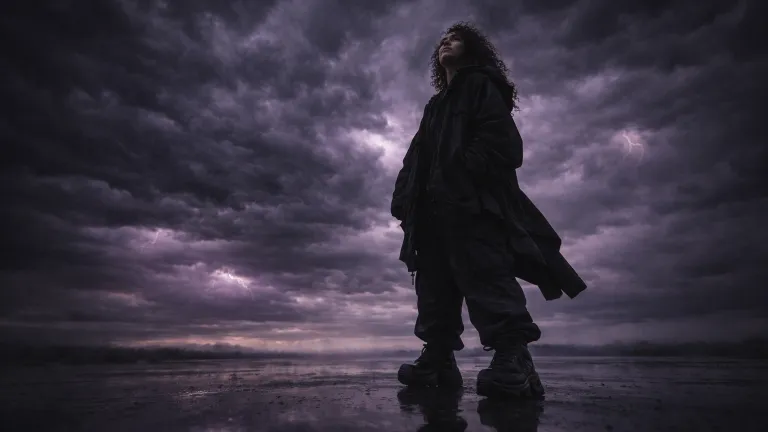
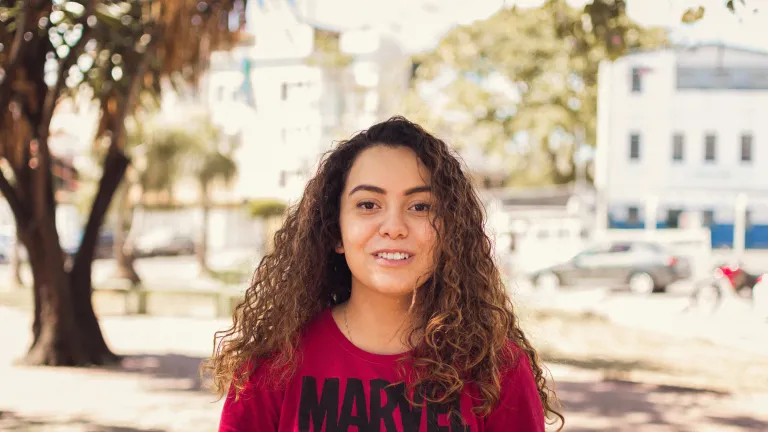
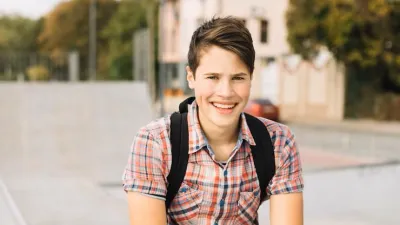 BeforeAfter
The Prompt
Transform the original photo into an ultra-realistic cinematic street portrait of a young boy.
Nighttime modern city environment with glowing streetlights, neon signs, and distant traffic bokeh.
Dramatic urban lighting with soft rim light and subtle shadows shaping the face.
Shallow depth of field, creamy background blur, DSLR look with a fast prime lens.
Natural skin texture, sharp facial details, expressive eyes.
Moody cinematic color grading (teal and orange tones), soft film grain, high dynamic range, photorealistic, 8K quality.

Artificial Intelligence has revolutionized digital photography and image creation. With the right prompt, you can transform an ordinary photo into a breathtaking cinematic street portrait that looks like it was captured using a professional DSLR camera in a modern city at night.
In this detailed guide, we will explore how to use a powerful cinematic AI prompt to generate ultra-realistic street portraits of a young boy, complete with dramatic lighting, shallow depth of field, moody color grading, and film-like realism.
What Is a Cinematic Street Portrait?
A cinematic street portrait is a photograph that looks like a still frame from a high-budget movie. It combines storytelling, dramatic lighting, urban atmosphere, and emotional depth. When generated using AI, this style mimics professional photography techniques such as:
- DSLR-style shallow depth of field
- Urban night lighting and neon reflections
- Moody cinematic color grading
- Natural skin texture and sharp facial details
- Film grain and high dynamic range
The Complete Cinematic AI Prompt
Transform the original photo into an ultra-realistic cinematic street portrait of a young boy. Nighttime modern city environment with glowing streetlights, neon signs, and distant traffic bokeh. Dramatic urban lighting with soft rim light and subtle shadows shaping the face. Shallow depth of field, creamy background blur, DSLR look with a fast prime lens. Natural skin texture, sharp facial details, expressive eyes. Moody cinematic color grading (teal and orange tones), soft film grain, high dynamic range, photorealistic, 8K quality.
Prompt Breakdown (Line-by-Line Explanation)
| Prompt Element | Purpose |
|---|---|
| Ultra-realistic cinematic street portrait | Defines the overall high-end cinematic photography style |
| Nighttime modern city environment | Creates an urban atmosphere with realistic night lighting |
| Glowing streetlights & neon signs | Adds depth, reflections, and cinematic mood |
| Dramatic urban lighting | Enhances facial contours and emotional impact |
| Soft rim light & subtle shadows | Separates subject from background professionally |
| Shallow depth of field | Blurs background and focuses attention on the face |
| DSLR look with fast prime lens | Mimics professional photography equipment |
| Natural skin texture | Avoids plastic or over-smoothed AI skin |
| Teal & orange color grading | Classic Hollywood cinematic color scheme |
| Soft film grain & HDR | Adds realism and cinematic texture |
How to Use This Prompt (Step-by-Step)
- Select an AI image generation tool (Midjourney, Stable Diffusion, Leonardo AI, DALL·E, etc.).
- Upload your original photo if image-to-image is supported.
- Paste the cinematic prompt into the prompt field.
- Adjust aspect ratio (recommended: 1:1 or 4:5 for portraits).
- Add a negative prompt to avoid distortions.
- Generate and upscale the image if available.
Recommended Negative Prompt
blurry, low resolution, cartoon, anime, illustration, plastic skin, over-smoothed face,
bad lighting, flat lighting, distorted face, extra limbs, unrealistic colors
Best AI Tools for This Prompt
| AI Tool | Why It Works Well |
|---|---|
| Midjourney | Excellent cinematic lighting and realism |
| Stable Diffusion | Full control with image-to-image and fine-tuning |
| Leonardo AI | High-quality portrait rendering |
| DALL·E | Clean composition and realistic textures |
Examples of Variations
Emotional Version
A cinematic night street portrait of a young boy with emotional expression,
dramatic lighting, glowing city lights, shallow depth of field, soft film grain,
moody color grading, ultra-realistic DSLR photography.
High-Contrast Version
Ultra-realistic cinematic portrait, strong contrast lighting,
sharp facial details, neon city background, night photography,
film grain, HDR, professional DSLR quality.
Benefits of Using Cinematic AI Prompts
- Creates professional-quality images without a camera
- Perfect for YouTube thumbnails and social media
- Enhances storytelling and emotional impact
- Consistent results across AI platforms
- Saves time and production cost
Pros and Cons
Pros
- Ultra-realistic cinematic output
- Works across multiple AI platforms
- Highly customizable
- Ideal for branding and creative projects
Cons
- Requires good base image for best results
- High-quality generations may take longer
- Some tools may need paid plans
SEO Use Cases
- AI prompt blogs
- Photography tutorial websites
- YouTube automation content
- Instagram & Reels thumbnails
- Creative portfolio enhancement
Frequently Asked Questions (FAQs)
Is this prompt suitable for beginners?
Yes. The prompt is descriptive and works well even for beginners using AI image generators.
Can I use this prompt commercially?
Commercial usage depends on the AI tool’s license, not the prompt itself.
What aspect ratio is best?
1:1 for profile portraits, 4:5 for Instagram, 16:9 for cinematic banners.
Does this work without an original photo?
Yes, but image-to-image mode produces more realistic results.
Final Thoughts
This cinematic street portrait prompt is a powerful tool for anyone looking to generate ultra-realistic, emotionally engaging AI images. By combining professional photography techniques with cinematic color grading and urban night aesthetics, you can achieve stunning results that rival real DSLR photography.
Whether you are a content creator, designer, marketer, or AI enthusiast, mastering such prompts can significantly elevate your visual content quality.
Start experimenting today and turn ordinary photos into cinematic masterpieces.
Did you find this helpful?
Show your support! Your feedback helps us create more amazing content.