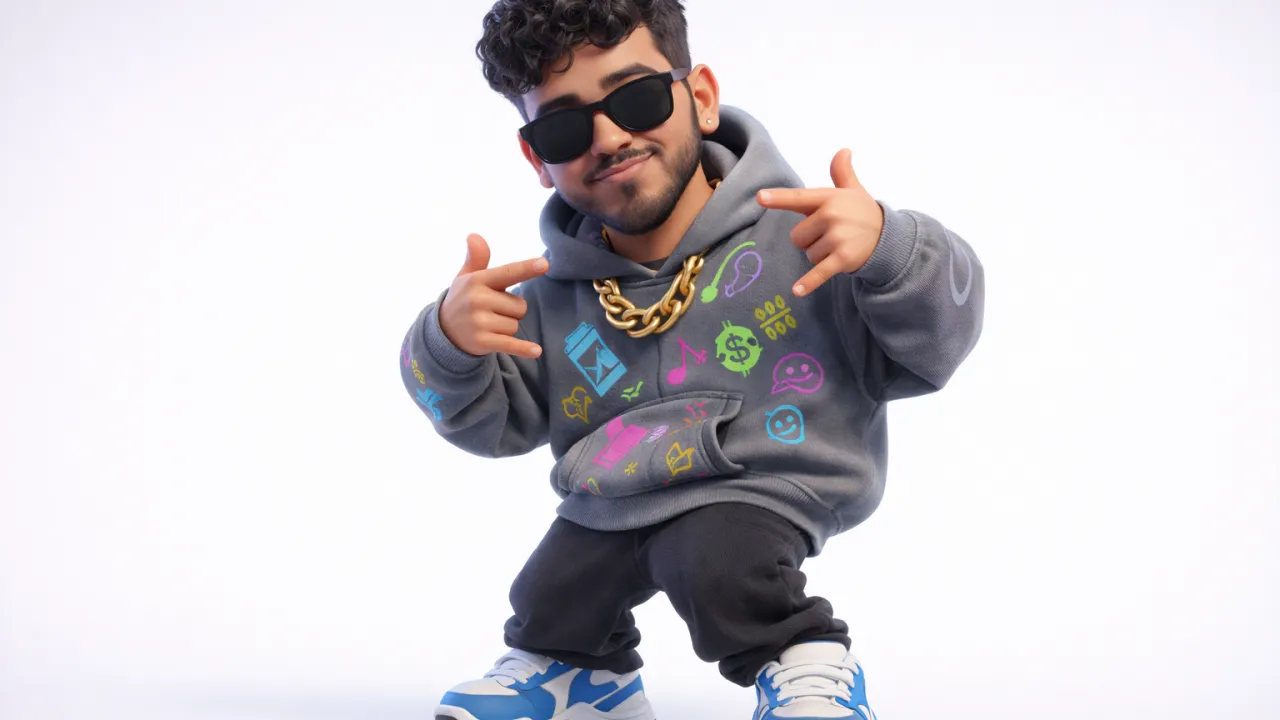
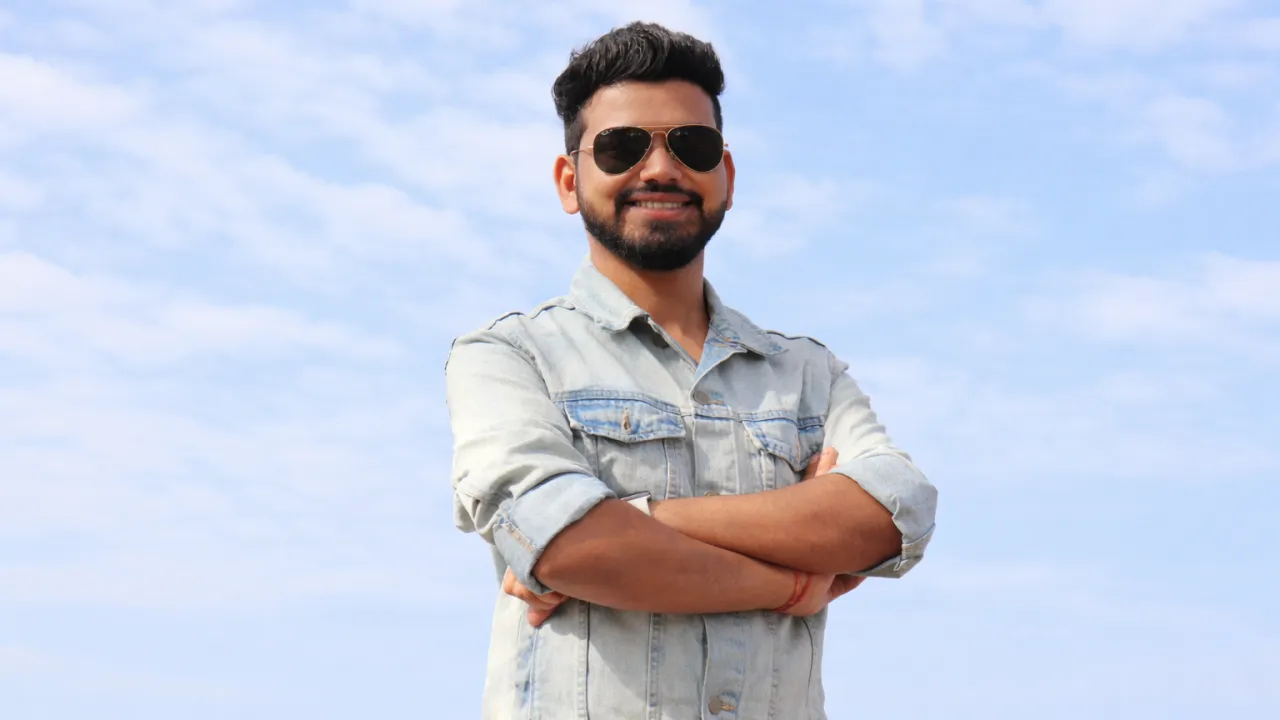
Pixar Style AI Portrait Prompt – Create Disney 3D Character from Photo
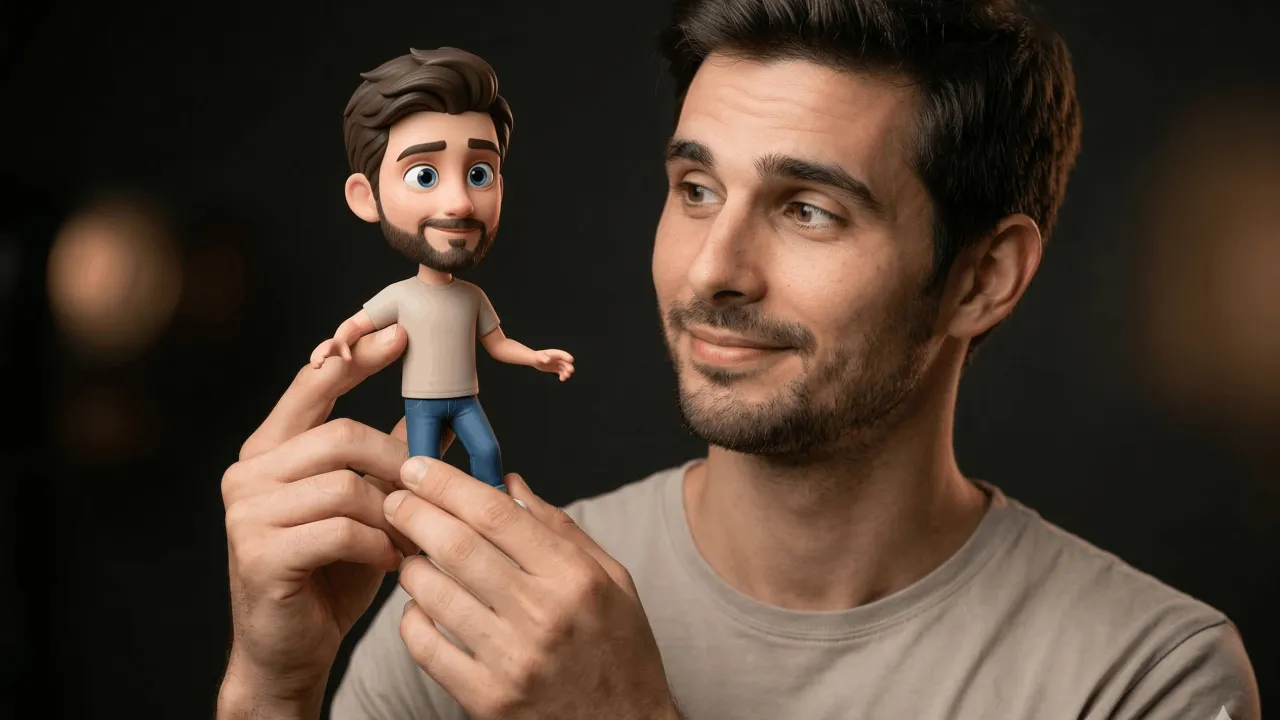
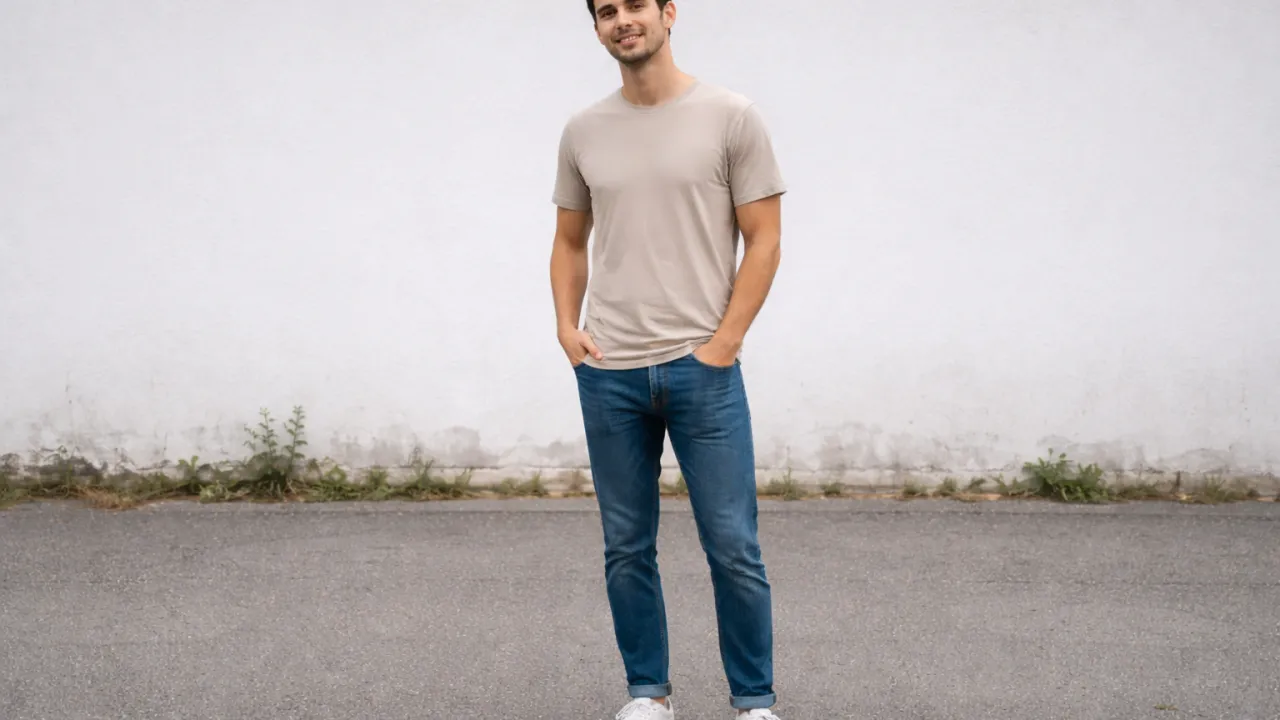
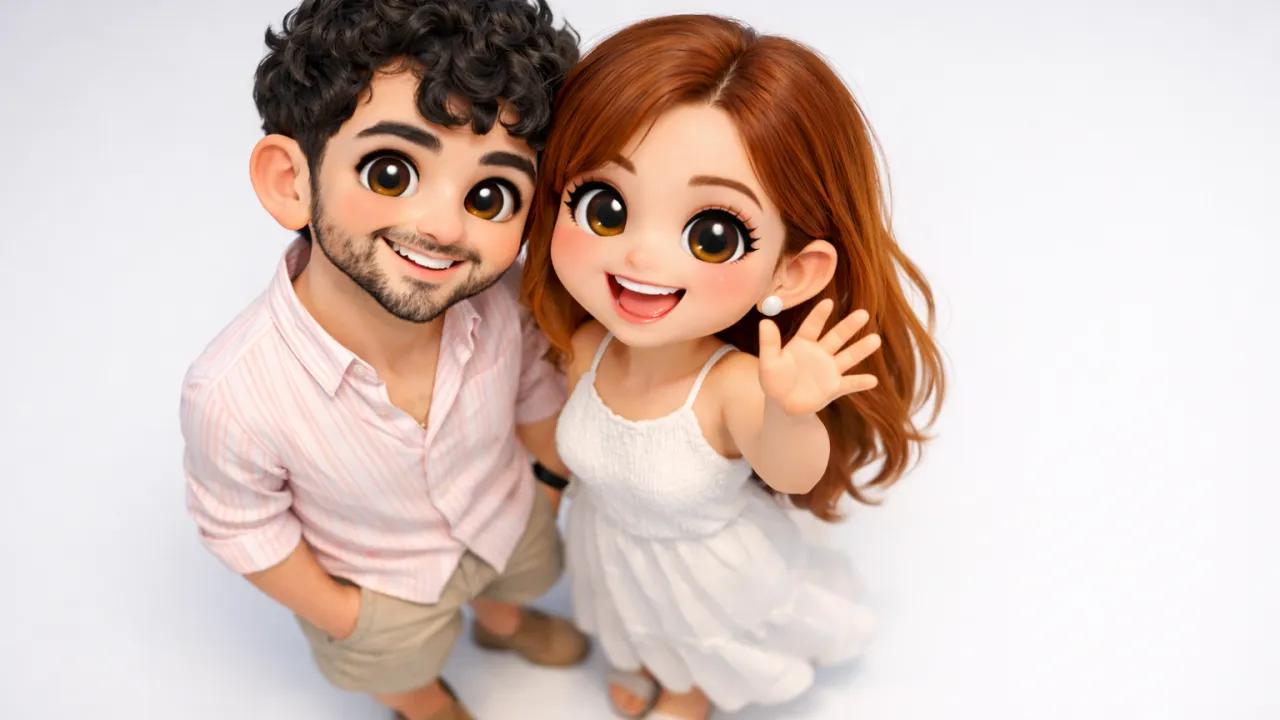
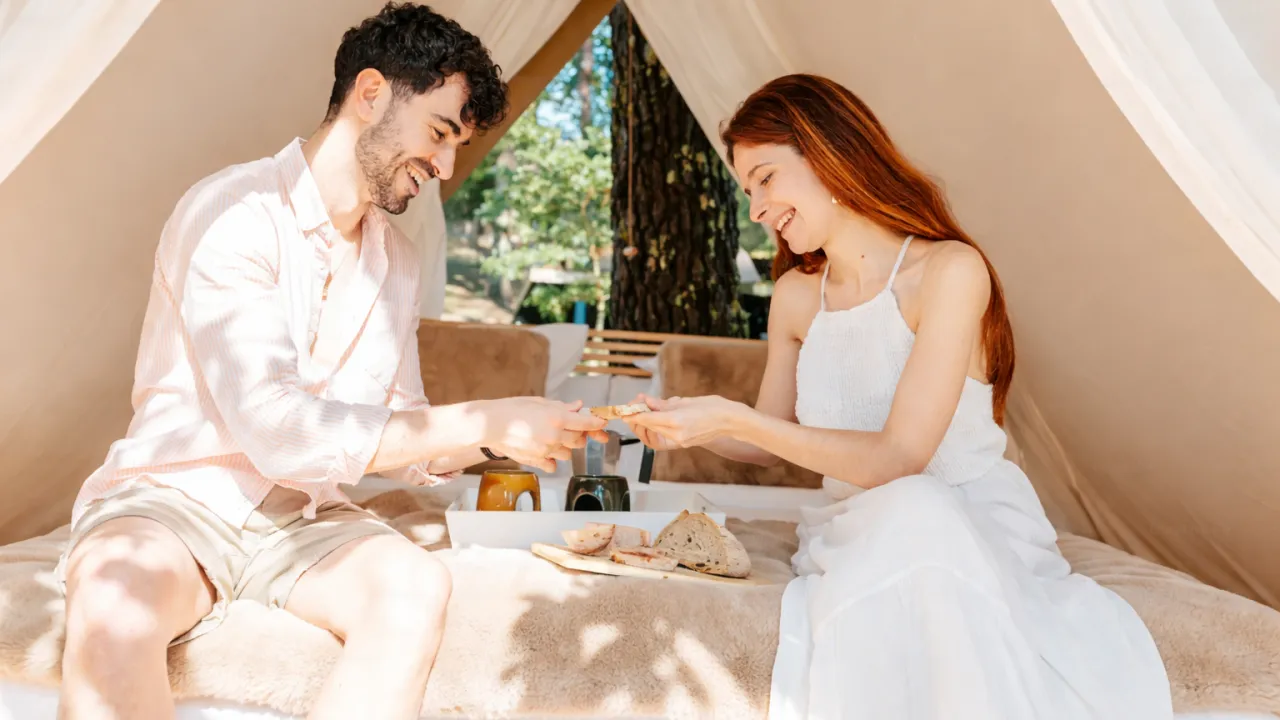
 BeforeAfter
The Prompt
Create a highly polished 3D animated portrait in modern Pixar/Disney character style, ultra-detailed 8K render, vertical 4:5 aspect ratio.

Identity & Face Matching (Highest Priority)
Use the uploaded reference image as the primary facial reference. Preserve strong identity accuracy including facial proportions, face shape, jawline softness, cheek structure, eye size and spacing, eyelid shape, nose structure, lip shape, eyebrow thickness and natural arch, skin tone and undertone. The animated character must clearly resemble the same person from the reference image. Do not replace the face with a generic character or alter facial geometry.

Composition & Framing
Waist-up portrait composition. Subject centered in the frame with the head positioned slightly in the upper third. Arms and torso visible down to the upper waist or jeans waistband. Camera positioned at natural eye-level perspective. Use shallow depth of field so the character remains extremely sharp while the background stays softly blurred with cinematic bokeh.

Character Style
Stylized animated woman with modern Pixar/Disney-inspired proportions including slightly larger expressive eyes, soft rounded facial contours, smooth stylized skin shading, and a friendly approachable personality. The rendering should look like a high-end animated film character.

Face & Expression
Smooth animated skin with soft subsurface scattering. Gentle rosy blush on the cheeks. Large expressive brown eyes looking directly at the camera. Soft eyelid shading and delicate eyelashes. Natural dark eyebrows with a smooth arch. Small rounded nose with subtle highlight. Soft natural lips with a relaxed calm closed-mouth smile. Overall expression warm, thoughtful, and friendly.

Hair
Hair must follow the same hairstyle from the reference image: straight smooth medium-long hair with a natural slightly offset center part. Hair falling evenly on both sides of the face and extending past the shoulders. Hair color deep natural brown. Rendering should include layered strands, smooth reflective highlights, subtle volume, and natural animated flow.

Pose
Relaxed thoughtful pose. Head slightly tilted forward. Shoulders relaxed. Right hand lightly touching under the chin with the index finger resting softly. Left arm folded across the body supporting the right elbow. Posture casual, calm, and confident. Hands must appear natural with relaxed fingers and realistic anatomy.

Clothing
Casual modern outfit including a fitted white short-sleeve t-shirt with a subtle pastel graphic illustration printed on the chest. Blue denim jeans visible at the waistline with realistic stitching and a metal button. Clothing fabric should display soft cotton texture and natural folds.

Accessories
Minimal everyday accessories including a thin silver ring, elegant minimal wristwatch with leather strap, and small stud earrings. Accessories should appear subtle and natural.

Background
Softly blurred cozy café interior with warm wooden furniture, hanging pendant lights, warm amber ambient tones, and blurred café seating and décor. The background should feature cinematic bokeh light circles while keeping the character as the clear focus.

Lighting
Warm cinematic indoor lighting with a soft key light from the front and slightly above. Gentle highlights on hair, nose bridge, and cheeks. Soft shadows under the chin and neck. Subtle rim light around the hair and shoulders. Warm café ambience softly reflecting on skin tones. Lighting should feel warm, soft, and inviting.

Render Quality
Ultra-detailed Pixar/Disney style 3D render including global illumination, subsurface skin scattering, high-detail hair rendering, realistic fabric shading, cinematic depth of field, ultra-clean lighting, and professional animated film quality in 8K resolution.
Artificial Intelligence has completely transformed the world of digital creativity. What once required professional 3D artists, animation studios, and expensive rendering tools can now be done with a simple AI prompt and a reference image. One of the most exciting trends in the AI art space today is the ability to generate Pixar-style animated portraits that look like they belong in a Hollywood animated film.
Whether you want a Disney-inspired profile picture, a stylized character portrait, or a cinematic AI render that captures your real facial identity, the right prompt can produce breathtaking results.
In this comprehensive guide, we'll explore everything you need to know about creating a highly polished Pixar/Disney style 3D animated portrait using AI image generators. You'll learn how the prompt works, why each section matters, and how to get professional results.
Why Pixar-Style AI Portraits Are Going Viral
Let's be honest — Pixar-style characters are instantly lovable. Their expressive eyes, smooth skin shading, and warm personality create an emotional connection with viewers. When AI recreates real people in this style, the results feel magical.
Instead of a generic cartoon avatar, AI can now generate a character that actually resembles the real person. That means maintaining facial proportions, skin tone, and distinctive features while transforming the look into a stylized animated character.
This combination of realism and animation explains why Pixar-style AI portraits are trending across platforms like Instagram, Pinterest, TikTok, and YouTube.
- Perfect for social media profile photos
- Great for branding and personal identity
- Used in AI storytelling and content creation
- Ideal for digital avatars and creative portfolios
But here's the secret: the magic doesn't happen automatically. It depends on writing a precise and highly structured prompt.
The Power of a Well-Structured AI Prompt
AI image generators like Midjourney, DALL-E, Stable Diffusion, and others rely heavily on prompt clarity. If the prompt is vague, the result becomes generic. But when a prompt contains detailed artistic direction, lighting instructions, composition guidelines, and character identity preservation, the AI produces remarkably cinematic results.
The Pixar portrait prompt you're using is powerful because it focuses on several critical factors:
- Identity preservation
- Camera composition
- Character stylization
- Lighting and cinematic rendering
- High-detail textures
- Professional animation studio quality
In other words, the prompt acts like a creative director guiding the AI exactly how to produce the image.
Understanding the Pixar / Disney Character Style
Pixar characters have a very recognizable visual language. They are stylized but believable. Their design balances realism with exaggerated emotional expression.
The following visual characteristics define Pixar-style characters:
- Slightly larger expressive eyes
- Smooth skin shading
- Soft rounded facial features
- Natural yet stylized hair
- Friendly personality and emotional warmth
- Cinematic lighting and rendering
The goal is not to create a cartoon caricature. Instead, the aim is to transform a real person into a character that feels like they belong in a modern animated film.
Identity Accuracy: The Most Important Part
One of the biggest challenges in AI portraits is maintaining facial identity. Many AI generators tend to produce generic faces that don't resemble the reference image.
That's why the prompt emphasizes identity preservation.
To maintain identity, the AI must accurately follow:
- Face shape and proportions
- Jawline softness
- Cheek structure
- Eye spacing and eyelid shape
- Nose structure
- Lip shape
- Eyebrow thickness
- Skin tone and undertone
When these details are preserved, the final character still clearly looks like the original person.
Perfect Portrait Composition
Professional animated portraits rely heavily on composition. The prompt uses a waist-up portrait framing, which is commonly used in character introduction scenes in films.
This composition includes:
- Subject centered in frame
- Head positioned in the upper third
- Arms and torso visible
- Natural eye-level camera angle
This camera placement makes the portrait feel natural and cinematic rather than artificial.
Shallow Depth of Field for Cinematic Focus
Another important detail in the prompt is the use of shallow depth of field. This technique is widely used in photography and film to isolate the subject from the background.
In the AI render, the character remains perfectly sharp while the background becomes softly blurred.
This produces the beautiful cinematic effect known as bokeh, where background lights appear as soft glowing circles.
Facial Expression and Emotional Tone
Expression plays a huge role in making the portrait feel alive. Pixar characters are known for expressive yet subtle facial emotions.
The prompt specifies a gentle and friendly expression with:
- Relaxed closed-mouth smile
- Warm eye contact
- Soft cheek blush
- Natural eyebrow arch
These elements create a character that feels approachable, thoughtful, and genuine.
Hair Rendering in Modern AI Portraits
Hair rendering is one of the hardest aspects of AI art. High-quality prompts must guide the AI to produce realistic strands and layered textures.
The prompt includes several hair details:
- Medium-long smooth hair
- Natural center part
- Even fall on both sides of the face
- Layered strands with subtle volume
- Soft reflective highlights
This ensures the hairstyle remains faithful to the reference image while still feeling animated.
Character Pose and Body Language
Body language communicates personality. Instead of a stiff pose, the prompt describes a relaxed and thoughtful stance.
The pose includes:
- Head slightly tilted forward
- Right hand touching under the chin
- Left arm supporting the elbow
- Relaxed shoulders
This creates a natural conversational posture rather than a rigid portrait.
Clothing and Fabric Realism
Clothing details help ground the character in reality. The prompt includes a casual modern outfit that feels everyday and authentic.
- White fitted short-sleeve t-shirt
- Pastel graphic illustration
- Blue denim jeans
- Realistic stitching and metal buttons
Fabric textures are also important. Cotton folds and subtle shadows add realism to the render.
Accessories That Add Personality
Small accessories make a character feel more personal and relatable.
The prompt includes minimal accessories such as:
- Thin silver ring
- Minimal wristwatch with leather strap
- Small stud earrings
These elements enhance realism without distracting from the main subject.
Cinematic Café Background
Instead of a plain backdrop, the prompt places the character in a cozy café environment.
The background includes:
- Warm wooden furniture
- Pendant lights
- Soft amber lighting
- Blurred café seating
Because the depth of field keeps the background blurred, it creates atmosphere while maintaining focus on the character.
Lighting That Feels Like a Pixar Film
Lighting is what truly transforms a simple render into cinematic artwork.
The prompt uses warm indoor lighting with:
- Soft key light from the front
- Highlights on cheeks and hair
- Subtle shadows under the chin
- Rim lighting around shoulders
This type of lighting mimics professional animation studio rendering.
Ultra High Render Quality
The prompt also specifies extremely high rendering standards to ensure professional results.
- 8K resolution
- Global illumination
- Subsurface skin scattering
- Detailed hair rendering
- Realistic fabric shading
These features produce the smooth, polished look associated with modern animated films.
Best AI Tools for Generating Pixar Style Portraits
Several AI tools can generate Pixar-style characters from prompts and reference images.
- Midjourney
- DALL-E
- Stable Diffusion
- Leonardo AI
- Playground AI
Each platform has different strengths, but Midjourney and Leonardo AI are currently among the best for cinematic character rendering.
Tips for Getting the Best Results
To maximize image quality, follow these expert tips:
- Use a high-resolution reference image
- Ensure the face is clearly visible
- Avoid heavy filters in the reference photo
- Use detailed prompts with clear structure
- Experiment with seed variations
Why This Prompt Works So Well
The reason this prompt generates incredible results is because it combines artistic direction, technical rendering details, and identity preservation into a single structured instruction.
Rather than letting the AI guess what you want, the prompt acts like a complete production blueprint.
This is exactly how professional concept artists guide visual generation pipelines in modern studios.
Conclusion
AI portrait generation is evolving at an incredible pace, and Pixar-style characters represent one of the most exciting creative possibilities.
With a well-structured prompt and a clear reference image, anyone can now generate cinematic animated portraits that once required an entire animation studio.
Whether you're creating social media avatars, branding visuals, or artistic experiments, mastering Pixar-style prompts opens the door to a new world of AI creativity.
Frequently Asked Questions (FAQs) about Pixar Style AI Portrait Prompt – Create Disney 3D Character from Photo
Did you find this helpful?
Show your support! Your feedback helps us create more amazing content.