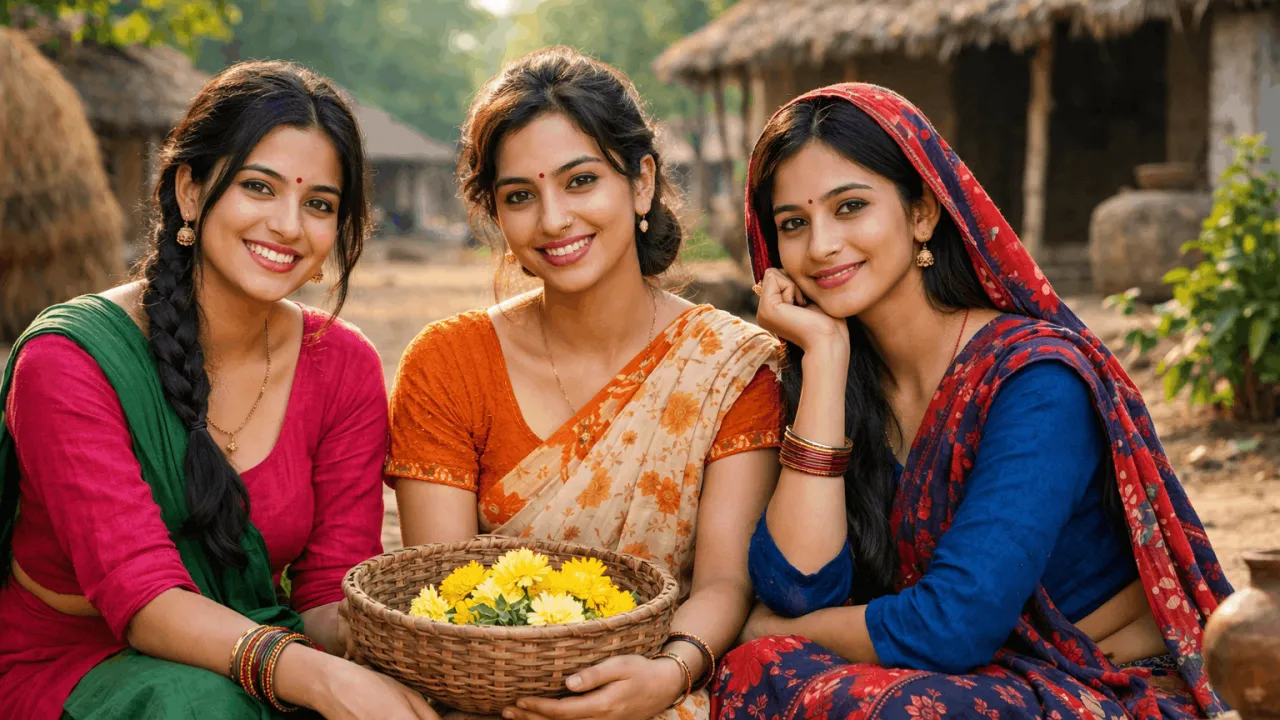
Flash Effect Prompt for Cinematic AI Images (2026)
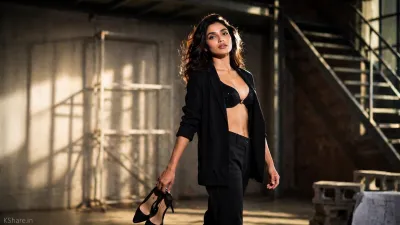
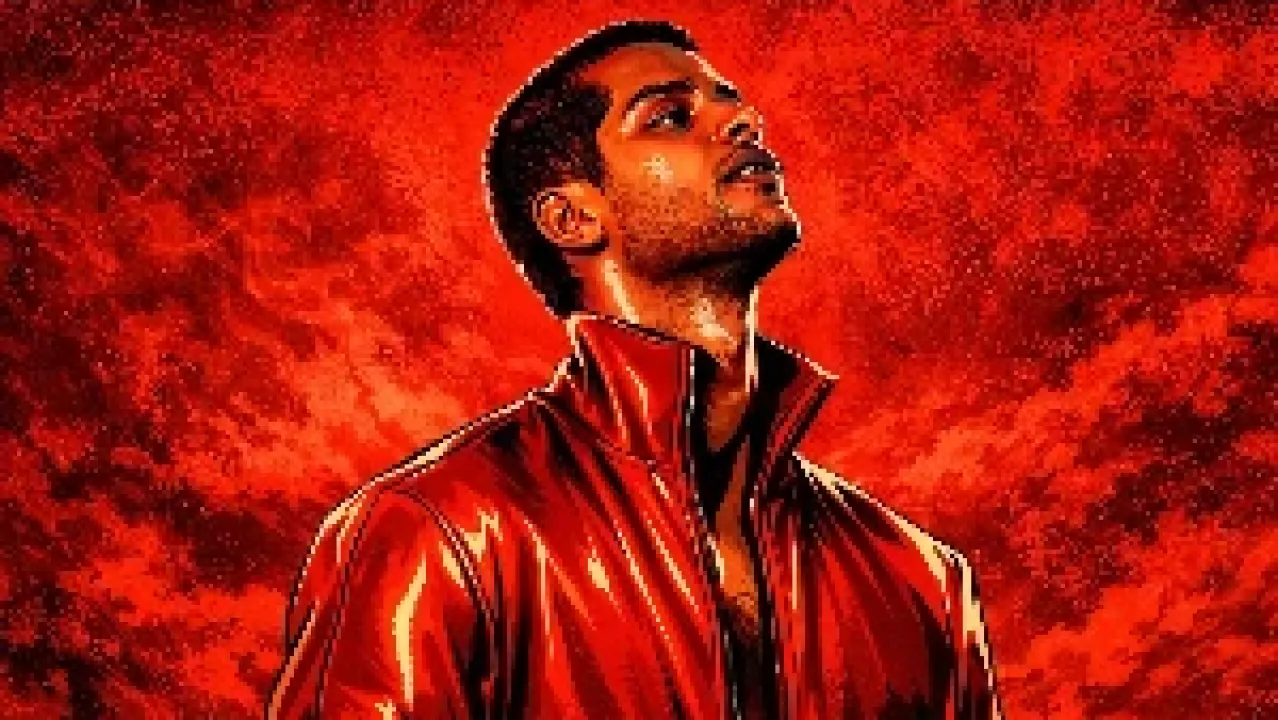
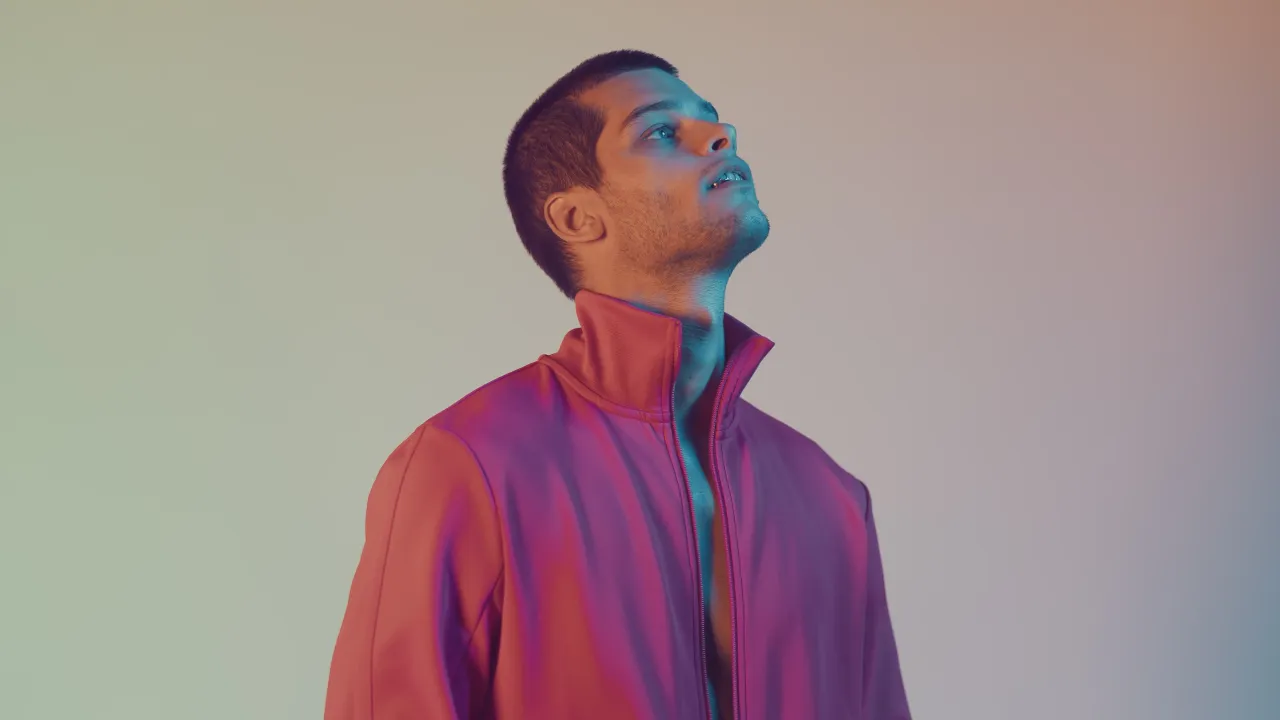
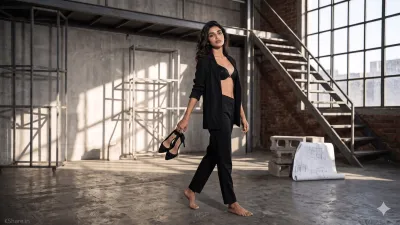 BeforeAfter
The Prompt
If a reference image is provided, carefully analyze and preserve the subject’s identity, facial structure, proportions, skin tone, hairstyle, expression, pose, and overall visual characteristics. Use the reference as the primary source of truth and maintain realism without distortion.

Create an ultra-realistic, high-impact version of the same subject in a modern studio or architectural environment, captured using a professional DSLR camera with a powerful on-camera flash.

Apply advanced flash lighting techniques: strong direct flash, high contrast, crisp highlights, and cinematic shadows. Simulate natural camera flash behavior with soft light bloom, controlled highlights, and realistic skin texture.

Enhance using cinematic photography techniques: rim lighting, subtle diffusion, ambient bounce light, and natural depth. Add light reflections, mild lens glow, and fine atmospheric detail for realism.

Maintain accurate facial details and textures while upgrading to ultra-detailed 8K quality. Include shallow depth of field (bokeh background), sharp subject focus, and realistic environmental reflections.

Style: cinematic photography, editorial, photorealistic, fashion portrait
Camera Settings: ISO 100, f/1.8, shutter speed 1/200s
Color Grading: film-grade, HDR, natural tones

Lighting Keywords: flash lighting, studio flash, cinematic lighting, soft glow, rim light

Platform Optimization:
- Midjourney: --v 6 --style raw --ar 3:4 --q 2
- SDXL: CFG 7–10, Steps 30–40
- DALL·E: high detail mode

Mood: confident, professional, cinematic

Signature: Add a subtle "KShare.in" watermark in the bottom-left corner, minimal, semi-transparent, and clean.
Want your AI images to look like professional photography? Most AI outputs fail because of poor lighting. This guide gives you powerful flash effect prompts that instantly upgrade your images with cinematic lighting, glow effects, and lens flare. Whether you're a blogger, designer, or creator, these prompts help you generate high-contrast, ultra-realistic visuals in seconds.
What Is This Prompt?
This is a collection of AI image prompts designed to simulate camera flash lighting. It mimics real-world photography techniques like DSLR flash, studio lighting, and cinematic glow to produce highly detailed images.
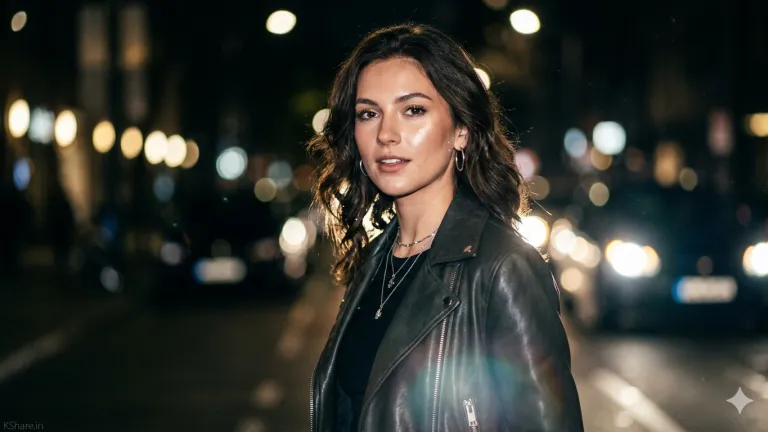
What Does This Prompt Do?
These prompts enhance your AI-generated images by adding:
- Realistic flash lighting effects
- High contrast and dramatic shadows
- Lens flare and glow effects
- Professional photography aesthetics
- Ultra-HD, cinematic quality outputs
To master lighting techniques, read this complete guide to mastering lighting in AI prompts.
Who Should Use This Prompt?
- Bloggers – for high-quality featured images
- Graphic Designers – for creative projects
- Digital Marketers – for ad creatives
- Content Creators – for social media visuals
- Developers – integrating AI-generated visuals
For more high-quality prompt ideas, check this viral AI prompts collection with 250+ ideas.
Key Features & Benefits
- Instant realism with camera flash simulation
- Works with Midjourney, DALL·E, and SDXL
- Creates viral-ready visuals
- Improves engagement and click-through rates
- Easy to customize for any subject
How to Use This Prompt (Step-by-Step)
- Choose your platform – Midjourney, DALL·E, or SDXL
- Copy a prompt from the variations below
- Replace [SUBJECT] with your desired scene
- Adjust settings like style, lighting, and intensity
- Generate & refine until you get the perfect result
Alternative Versions& Variations of flash effect prompt
1. Fashion Model Flash Photography Prompt
Perfect for high-end fashion shoots, editorial content, and Instagram-ready visuals.
Create a hyper-realistic fashion model portrait of [MODEL DESCRIPTION] wearing [OUTFIT], captured with a professional DSLR camera using strong on-camera flash. High contrast lighting, sharp highlights, glossy skin tones, and dramatic shadows.

Add subtle lens flare, glow highlights, and studio background with soft blur.

Style: fashion editorial, cinematic photography
Quality: 8K, ultra-detailed

SIGNATURE / WATERMARK: Add a small, clean, subtle text "KShare.in" in the bottom-left corner. Font should be minimal, modern, semi-transparent (white or light gray), blending naturally.
2. Product Photography Flash Prompt
Ideal for eCommerce, ads, and product showcase visuals.
Create a professional product image of [PRODUCT NAME] using studio flash lighting. Add sharp reflections, glossy highlights, and clean shadows. Background should be minimal with depth of field.

Enhance with subtle glow and light reflections for a premium look.

Style: product photography, commercial
Quality: ultra-HD, crisp details

SIGNATURE / WATERMARK: Add a small, clean, subtle text "KShare.in" in the bottom-left corner. Font should be minimal, modern, semi-transparent (white or light gray), blending naturally.
If you're new, start with this beginner guide to AI image generation to understand basics.
3. Car Photography Flash Prompt
Best for automotive visuals with dramatic lighting and reflections.
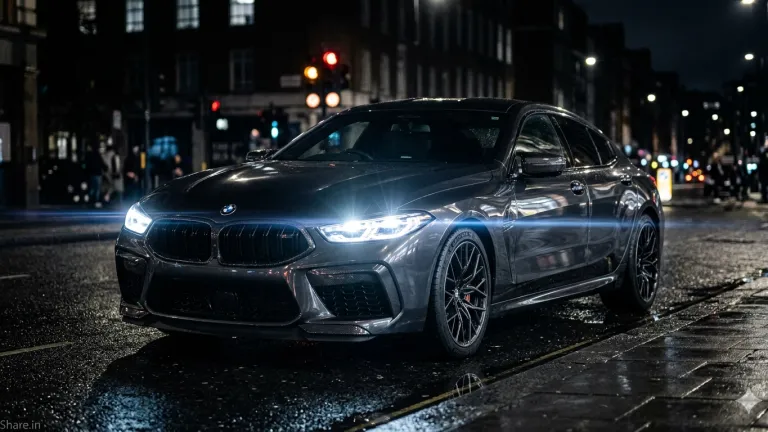
Create a cinematic image of [CAR MODEL] at night using strong camera flash lighting. Highlight metallic reflections, glossy surface, and sharp contours. Add lens flare and glow effects from headlights.

Background: dark street or urban setting with bokeh lights.

Style: automotive photography, cinematic
Quality: 8K, ultra-realistic

SIGNATURE / WATERMARK: Add a small, clean, subtle text "KShare.in" in the bottom-left corner. Font should be minimal, modern, semi-transparent (white or light gray), blending naturally.
4. Portrait Flash Lighting Prompt
Great for personal branding, profile pictures, and professional portraits.
Create a close-up portrait of [PERSON DESCRIPTION] using direct flash lighting. Strong highlights, natural skin tones, sharp focus on face, and dark blurred background.

Add subtle glow and lens flare for cinematic effect.

Style: portrait photography, realistic
Quality: ultra-HD, sharp detail

SIGNATURE / WATERMARK: Add a small, clean, subtle text "KShare.in" in the bottom-left corner. Font should be minimal, modern, semi-transparent (white or light gray), blending naturally.
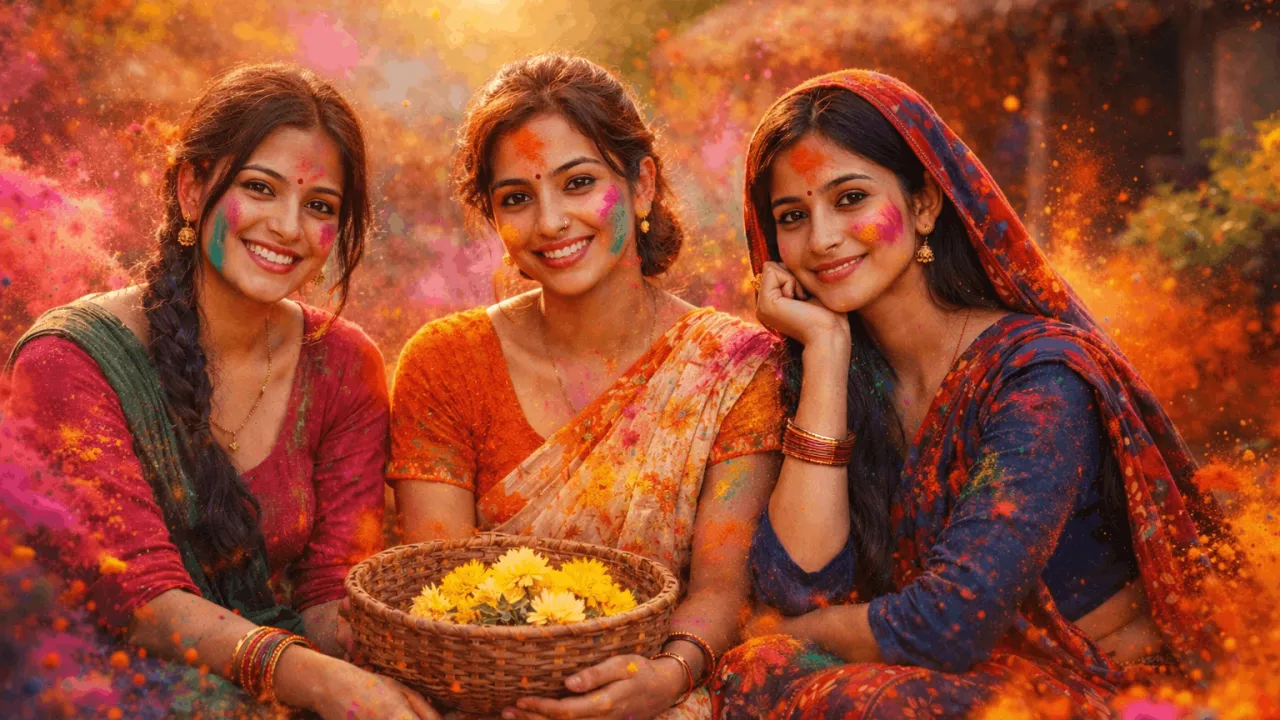
If you want colorful lighting effects, try this ultra realistic holi festival portrait prompt to create vibrant glow and dynamic lighting.
5. Street Photography Flash Prompt
Ideal for urban storytelling and candid photography style.
Create a street photography scene of [SUBJECT] in an urban environment at night, captured with flash lighting. High contrast, wet reflections, dramatic shadows, and realistic textures.

Add light glow, lens flare, and cinematic atmosphere.

Style: street photography, documentary
Quality: 8K, realistic

SIGNATURE / WATERMARK: Add a small, clean, subtle text "KShare.in" in the bottom-left corner. Font should be minimal, modern, semi-transparent (white or light gray), blending naturally.
6. Food Photography Flash Prompt
Perfect for restaurant menus, food blogs, and ads.
Create a delicious food image of [DISH NAME] using soft flash lighting. Highlight textures, moisture, and freshness. Add glow and reflections for an appetizing look.

Background: blurred restaurant or table setup.

Style: food photography, commercial
Quality: ultra-detailed, vibrant

SIGNATURE / WATERMARK: Add a small, clean, subtle text "KShare.in" in the bottom-left corner. Font should be minimal, modern, semi-transparent (white or light gray), blending naturally.
For soft aesthetic lighting, this moody portrait with glowing fairy lights effect is perfect for subtle glow and ambiance.
7. Cyberpunk Neon Flash Prompt
Best for futuristic, viral, and artistic visuals.
Create a cyberpunk scene of [SUBJECT] with neon lights and strong flash effect. Add vibrant glow, colorful lens flare, reflections, and fog.

Use pink, blue, and purple lighting with cinematic depth.

Style: cyberpunk, futuristic
Quality: 8K, ultra-detailed

SIGNATURE / WATERMARK: Add a small, clean, subtle text "KShare.in" in the bottom-left corner. Font should be minimal, modern, semi-transparent (white or light gray), blending naturally.
8. Wedding / Bridal Flash Prompt
Perfect for Indian bridal and wedding photography AI images.
Create a realistic bridal portrait of [BRIDE DESCRIPTION] wearing traditional attire, captured with soft flash lighting. Highlight jewelry, fabric details, and natural skin tones.

Add glow effect, subtle lens flare, and cinematic background.

Style: wedding photography, cinematic
Quality: ultra-HD, detailed

SIGNATURE / WATERMARK: Add a small, clean, subtle text "KShare.in" in the bottom-left corner. Font should be minimal, modern, semi-transparent (white or light gray), blending naturally.
If you want more depth and realism, try this ultra realistic cinematic street portrait AI prompt for advanced lighting and shadow control.
9. Fitness / Gym Flash Prompt
Great for fitness branding and motivational visuals.
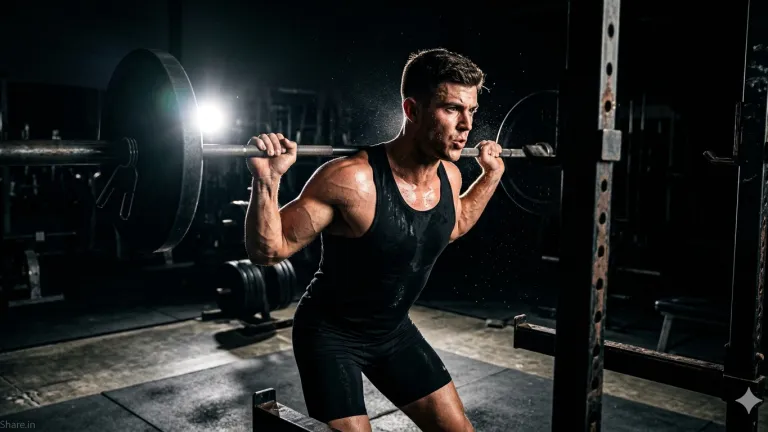
Create a powerful gym scene of [ATHLETE DESCRIPTION] using strong flash lighting. Highlight muscles, sweat, and textures with sharp contrast and dramatic shadows.

Add glow highlights and dark background for intensity.

Style: fitness photography, cinematic
Quality: ultra-detailed, 8K

SIGNATURE / WATERMARK: Add a small, clean, subtle text "KShare.in" in the bottom-left corner. Font should be minimal, modern, semi-transparent (white or light gray), blending naturally.
10. Nature Flash Photography Prompt
Ideal for wildlife and macro photography effects.
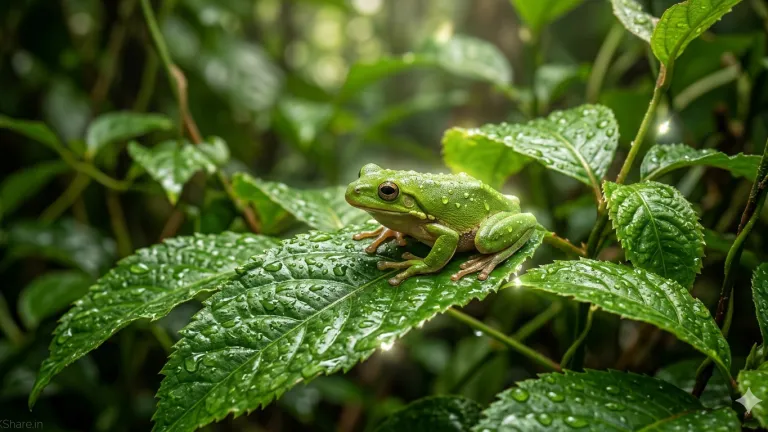
Create a nature scene of [SUBJECT] using flash lighting. Highlight textures like leaves, water droplets, and natural elements with sharp clarity.

Add glow effect, light reflections, and soft background blur.

Style: nature photography, realistic
Quality: ultra-HD, detailed

SIGNATURE / WATERMARK: Add a small, clean, subtle text "KShare.in" in the bottom-left corner. Font should be minimal, modern, semi-transparent (white or light gray), blending naturally.
To achieve better results with flash lighting prompts, you can also explore this night flash cinematic portrait prompt with dramatic glow effect which enhances lighting intensity and realism.
Pro Tips for Better Results
- Use "harsh flash" for strong contrast or "soft flash" for natural lighting
- Add "cinematic color grading" for film-like results
- Experiment with angles like "low-angle lighting" or "side flash"
Best Use Cases
- Fashion photography AI images
- Product showcase visuals
- Social media content
- Blog featured images
- Advertising creatives
Common Mistakes to Avoid
- Overloading prompts with too many effects
- Ignoring lighting direction
- Not adjusting subject details
- Using low-quality keywords
Recommended AI Tools for Best Results
- Midjourney – best for cinematic visuals
- DALL·E – balanced and beginner-friendly
- Stable Diffusion (SDXL) – high control and customization
Related Flash Lighting & Cinematic Prompts
If you want to explore more cinematic lighting effects, check out this night flash cinematic portrait prompt with dramatic glow that creates powerful high-contrast visuals.
For ultra-realistic lighting styles, you can also try this ultra realistic cinematic street portrait AI prompt which enhances depth, shadows, and realism.
If you're aiming for editorial-quality visuals, explore this cinematic fashion editorial portrait prompt designed for magazine-style photography.
You can also generate bold visuals using this cinematic red light portrait with neon lighting effects for dramatic and moody compositions.
For futuristic lighting styles, check out this cyber noir AI portrait with neon cinematic lighting which blends glow, reflections, and depth.
If you love vibrant lighting effects, this ultra realistic holi festival portrait prompt creates colorful glow and dynamic lighting.
To explore more artistic lighting, try this moody portrait with glowing fairy lights effect for soft glow and aesthetic lighting.
Learn More About AI Prompt Techniques
Want to improve your results? Read this complete guide to mastering lighting in AI prompts to understand how lighting impacts realism.
You can also explore this ultra realistic AI image prompt guide to create highly detailed visuals.
For more trending ideas, check out this viral AI prompts collection with 250+ ideas to boost creativity.
If you're new to AI image generation, start with this beginner guide to AI image generation for step-by-step learning.
Conclusion
The flash effect prompt is a powerful way to transform ordinary AI images into professional, cinematic visuals. With the right combination of lighting, glow, and lens flare, you can create stunning content that grabs attention and ranks well on search engines. Start using these prompts today and take your AI image quality to the next level.
Frequently Asked Questions (FAQs) about Flash Effect Prompt for Cinematic AI Images (2026)
- Use high resolution (HD/4K/8K)
- Temperature: 0.7–0.9
- Top-P: 0.9
- CFG Scale (SDXL): 7–10
These settings balance realism and creativity.
- Cinematic lighting → Controlled, artistic lighting with shadows and color grading
Combining both gives the most professional and cinematic results.